
Can a healthcare practice use cloud AI to process ePHI? Yes, but it needs to understand where patient information goes, who handles it, and what protections apply at each step. A cloud service does not become appropriate for ePHI simply because a vendor describes it as secure or HIPAA compliant.
Before connecting an AI tool to clinical or administrative workflows, map how the information will be entered, processed, stored, logged, reviewed, and shared. Then use that map to guide your business associate agreements (BAAs), risk analysis, configuration, and vendor questions.
Start with the full ePHI workflow
Trace a typical task from beginning to end. For example, a staff member might submit information for a draft summary, receive an AI-generated response, and save that response in another system. Patient data may also appear in activity logs, troubleshooting records, backups, or support requests. The workflow can involve more than the screen where a user enters a prompt.
List the data and systems involved, including:
- What ePHI users enter and what the AI service returns.
- Where prompts, outputs, logs, and backups are stored, and for how long.
- Which staff, vendor support teams, and subcontractors can access the information.
- Which EHR, document, messaging, or other systems the AI service connects to.
- What happens to the information during an outage, incident, or service termination.
This map helps the practice identify the parties handling ePHI and the safeguards needed for the actual use case. The Department of Health and Human Services explains that cloud service providers handling ePHI can be business associates, including when the information is encrypted and the provider cannot view it. Review its guidance on HIPAA and cloud computing when assessing the arrangement.
Check the BAA chain, not just one signature
If an AI vendor creates, receives, maintains, or transmits ePHI on behalf of a practice, determine whether a BAA is required for that relationship and get the agreement in place before sending the information. A vendor’s general statement about HIPAA does not replace an agreement or the practice’s own assessment.
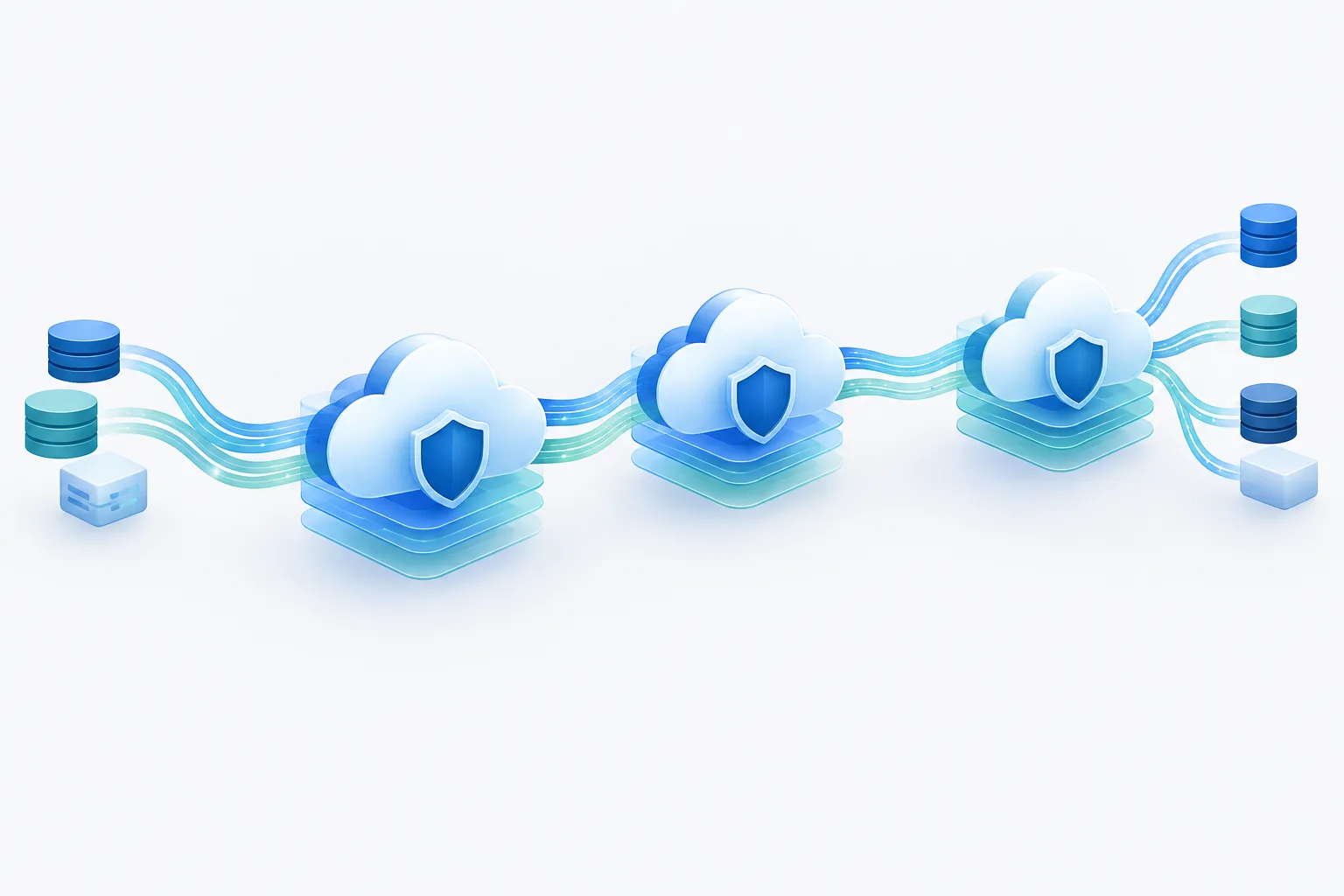
Also ask whether the AI service relies on a separate cloud provider or other subcontractors that handle ePHI. If the AI vendor uses a cloud provider to store or process the practice’s data, clarify who is responsible for the relevant downstream BAA. The exact contracting structure depends on who provides services to whom. Map the chain and confirm that appropriate agreements cover each party handling ePHI; do not assume the practice always needs a direct BAA with every infrastructure provider.
A BAA is important, but it is not a substitute for the practice’s risk analysis, risk management, or careful service configuration. For a related overview of questions to raise before introducing a tool into a patient-information workflow, see this practice checklist for AI tools and patient information.
Make the risk analysis specific to the use case
A useful ePHI risk analysis looks at the actual workflow rather than the AI product in the abstract. Document the information involved, who needs access, how the service connects to existing systems, and what could happen if data is disclosed, changed, unavailable, or sent to the wrong place.
Consider whether the practice has evaluated:
- Access: Which users and vendor personnel can access the service or its data? Are permissions limited to work needs, and how are accounts managed?
- Data protection: What protections cover information in transit and at rest? Who controls keys and permissions? Encryption is one safeguard to assess, not a reason by itself to skip a BAA or risk analysis.
- Integrity: Could information be altered, misdirected, or mixed between workflows? How will staff check AI outputs before relying on them?
- Availability: How will care and operations continue during a service interruption? What backup, recovery, and downtime arrangements apply?
- Connections and logs: What data passes through integrations, audit records, or troubleshooting tools? Who can review those records?
- Incident handling: How will the practice learn about a suspected exposure or other security incident, and who will coordinate the response?
Record the risks found, the safeguards selected, who owns each task, and how the practice will review the setup as the workflow changes. A service that is suitable for drafting an internal summary may need different access controls and review steps from one connected to a clinical system.
Ask vendors about data use and lifecycle
Ask direct questions and request answers in the contract or other written documentation. In particular, clarify:
- Are prompts, outputs, or uploaded documents retained? If so, for what purposes and for how long?
- Can the vendor use ePHI to train, tune, or improve models? Are any uses outside the service the practice requested?
- Can support staff access prompts or outputs? Under what circumstances, and how is access controlled?
- Which subprocessors may handle the information, and how are changes to that list communicated?
- How can the practice request deletion or return of data, and what happens to backups or retained logs?
- What incident reporting process and timing are described in the applicable agreements?
- What documentation can the vendor provide about security controls, access, retention, and service recovery?
Do not assume that removing names or encrypting information automatically removes the need for a BAA. Removing direct identifiers alone does not necessarily mean the remaining information is no longer ePHI. Ask your privacy and security leads to assess the specific data and workflow.
Put safeguards into everyday use
Even with agreements and vendor documentation in place, the practice needs workable controls. Limit access to approved users, define what information staff may submit, review integrations and permissions, and train employees on the approved workflow. Decide who checks AI-generated content and what should happen when an output appears inaccurate or inappropriate for the task.
Keep the process practical: test the intended workflow with the right people before broad use, document how staff should report issues, and revisit the risk analysis when data use, integrations, or vendor arrangements change. A carefully limited workflow can be easier to assess and manage than a general-purpose tool with unclear data handling.
AI Services Near Me works with businesses in Florida and Georgia on AI consulting, implementation, automation, and ongoing support. Its approach includes analyzing business processes to identify automation opportunities and implementing tools in existing systems with the aim of minimizing disruption. A practice planning a cloud AI workflow can use a readiness assessment to organize the operational questions before selecting a solution.
Frequently asked questions
Does an AI vendor that processes patient information need a BAA?
When the vendor handles ePHI on behalf of the practice in a role that makes it a business associate, a BAA is generally part of the required arrangement. Confirm the vendor’s role and the data flow before sending ePHI.
Does the cloud provider need a separate BAA from the AI vendor?
If the AI vendor uses a cloud provider that handles ePHI, clarify the subcontractor relationship and confirm the appropriate BAA covers that handling. The practice may not need a direct agreement with every provider in the chain, depending on the arrangement.
Can an AI vendor use patient data to train or improve its models?
Do not assume that it can or cannot. Ask the vendor to explain its data-use practices and make sure the agreements and approved workflow address any proposed use of ePHI.
Does encryption or removing names eliminate the need for a BAA?
Not by itself. Encryption does not automatically remove BAA considerations, and removing names alone does not establish that information is no longer ePHI.
Choose the workflow, then verify the safeguards
Cloud AI can be considered for healthcare workflows when the practice understands the complete data path, confirms the right agreements, and assesses risks and safeguards for the specific use. Start by mapping one proposed workflow and identifying who handles each piece of information. For help evaluating an AI workflow, request a free AI consultation from AI Services Near Me at (904) 658-0777.