
A healthcare AI audit trail should let your organization reconstruct how patient information was accessed, what an AI system did with it, and what a person decided next. That means connecting access records, AI activity, human review, and any downstream action, rather than relying on a tool’s activity history alone.
This is operational guidance, not legal advice. Confirm applicable privacy, security, and recordkeeping requirements with your organization’s qualified leaders. For cloud services that handle ePHI, review HHS guidance on cloud computing and health information as part of your assessment.
Start by defining the workflow and its boundaries
Before deciding what to log, describe the specific task the AI supports. A tool that drafts a patient message has a different path through the organization than one that helps prepare a clinical note or routes incoming documents.
For each workflow, document:
- The purpose of the AI use and the team responsible for it.
- Which systems and data types are involved, including whether ePHI may be accessed.
- How information moves between the AI service, the EHR or practice system, and other connected tools.
- Where a person must review or approve an output before it is used or shared.
- Who owns the workflow, the system configuration, and ongoing review.
Keep an AI deployment inventory that captures these details, along with the vendor, product, model or software version where available, and the date or circumstances of material changes. Assign an owner to keep the inventory current. The SAFER guide on organizational responsibilities can help teams consider how AI-related responsibilities fit into health IT oversight.
What to record for each AI-assisted event
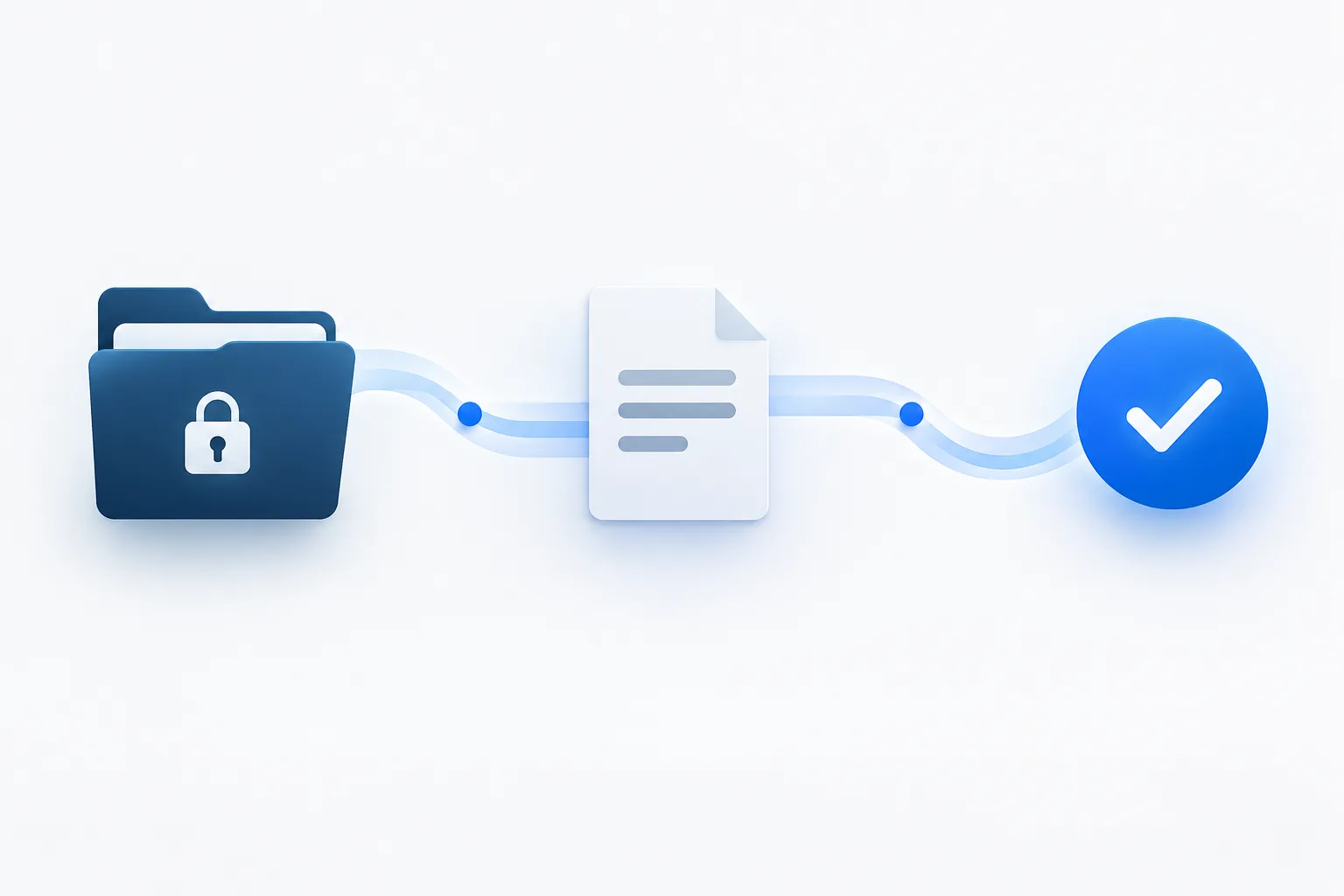
Design the audit trail around a sequence your team can follow: access, processing, output, human decision, downstream action, and correction or escalation. The exact fields depend on the workflow, but a practical record should help answer these questions:
- Who or what accessed the information? Record the staff identity or service account, the system involved, and the relevant access event. Include the action, such as viewing, creating, changing, exporting, or sending information.
- Which patient record or workflow was involved? Use an appropriate record reference that allows authorized reviewers to trace the event. Avoid copying more patient information into a log than is needed for review.
- What AI service and configuration were used? Capture the product and model or software version when available. Note relevant configuration changes that could affect behavior.
- What information or instruction was provided? Record enough context to understand the task and trace the source, while avoiding unnecessary duplication of sensitive content. If the system stores the input separately, document how an authorized reviewer can locate it.
- What did the system produce or change? Keep a retrievable output or reference to it, and record whether it created a draft, updated a field, triggered a routing action, or supported another step.
- What happened afterward? Record the person who reviewed the output, their decision, and the downstream action taken.
Make timestamps and user identities consistent across connected systems where possible. Protect the audit records themselves with appropriate access limits, because logs can reveal sensitive workflow details even when they do not contain full patient records.
Make human review visible in the record
For an AI-assisted clinical workflow, the trail should distinguish the system’s output from the responsible person’s judgment. Record whether the reviewer accepted the output, edited it, rejected it, or escalated it. Include the reviewer’s identity or role, when the review occurred, and what action followed.
When a person changes an AI-generated draft, preserve enough information to understand the change without creating an unnecessary copy of patient information. If a reviewer rejects a recommendation, record a concise reason or an appropriate reason category when your process supports it. The goal is not to make staff write lengthy explanations for routine actions. It is to make significant decisions and handoffs traceable.
For example, a patient-message workflow could record that the AI created a draft, a staff member reviewed and edited it, and the message was then sent through the approved system. A note-drafting workflow could identify the source material, the draft output, the authorized reviewer, and whether the note was revised or accepted into the record. For more on designing approval points, see this guide to human approval in an AI-assisted workflow.
Set an exception path with clear ownership
Routine events and exceptions should not disappear into the same queue. Define what triggers review and who is accountable for handling each type. Possible triggers include access that does not fit the user’s role or workflow, an unexpected change to patient information, a failed or incomplete AI action, a concerning output, or a suspected security or patient-safety issue.
A practical exception record captures:
- The trigger and the system or workflow involved.
- When it was detected and who received the alert or report.
- The person or team assigned to assess it.
- The review decision, including whether the event was expected, an error, or needs further escalation.
- Any containment, correction, or follow-up action, who completed it, and how closure was confirmed.
Route issues to the appropriate owner. A workflow question may need an operations lead; access concerns may need privacy or security review; and a concern affecting clinical use may require the organization’s designated clinical oversight. Set an escalation route for cases that cross those areas. Document the handoff rather than assuming another team has seen the issue.
Review logs on a risk-based schedule
There is no single review interval that fits every AI-enabled workflow. Set a schedule based on the sensitivity of the information, the system’s role, the amount of access, and the consequences of an error. Also define event-driven review for alerts, complaints, suspected incidents, configuration changes, and other significant exceptions.
For each review, record its scope, reviewer, findings, and any action taken. Track recurring patterns, such as repeated access exceptions or frequent edits to a particular type of AI output, and assign someone to follow up. Periodically check that the logs still capture the fields your process depends on and that authorized reviewers can retrieve them.
Review the logs’ own access and protection as well. Limit access to people who need it, and follow your organization’s retention and security practices. Avoid choosing a retention period without checking the requirements that apply to your organization and system.
Ask vendors about the service boundary
Your internal system may show that information was sent to an AI service without showing what occurred inside that service. Ask the vendor what events it records, how your organization can access relevant records, and whether logs identify user or service access, processing activity, output, and security events.
Also clarify how the vendor identifies model or software changes, what information is retained, who can access it, and how the vendor will notify your organization about a security incident or service issue. Confirm how these responsibilities are documented in the agreements and operating procedures your organization uses. Do not assume that a complete trail exists merely because the service provides an activity screen.
For a broader checklist on evaluating patient-information workflows, see questions to ask before using AI with patient information.
Frequently asked questions
Should an AI audit trail identify the model or software version?
Yes, capture it when the vendor makes that information available. It helps reviewers understand which configuration produced an output, particularly when a system changes. Keep the version information with the workflow inventory as well as with relevant event records where practical.
Who should review unusual access or AI exceptions?
Assign an accountable owner based on the issue. Privacy or security leaders may need to assess access concerns, while workflow owners and clinical oversight may need to assess operational or clinical concerns. Define how those groups hand off and document a case that involves more than one area.
How often should logs for systems using ePHI be reviewed?
Set a risk-based schedule for each workflow, and define additional review when an alert or significant event occurs. Document why the schedule fits the use and who performs the review. Confirm applicable requirements with your organization’s privacy and security leadership.
What should staff record when they change an AI-generated draft?
Record that a person reviewed the output, whether it was accepted, edited, rejected, or escalated, and what action followed. Preserve enough detail to understand important changes without unnecessarily duplicating patient information.
Build the trail before the workflow scales
A clear healthcare AI audit trail connects patient-data access to system activity, human judgment, and follow-up. Start with one workflow, assign owners, test whether a reviewer can reconstruct an event, and adjust the records before expanding use. AI Services Near Me serves businesses throughout Florida and Georgia and offers a free AI consultation. Call (904) 658-0777 to discuss documenting an AI-assisted workflow.